
Most people believe they already know how to use Facebook. The platform has been around for years, and its interface feels familiar. However, many users only use a small portion of its features. Hidden within the menus are tools that can improve privacy, organize your feed, and simplify everyday browsing. These Facebook hacks are not complicated tricks. Instead, they are built-in features that Facebook rarely highlights.
Technology guides, including articles from sites like Lifehacker and Meta’s own help pages, often point out that many users never explore deeper account settings. As a result, helpful tools go unnoticed. Some features allow you to hide posts without unfriending someone. Others help you control your feed or manage incoming messages more effectively.
Unfollow Someone Without Unfriending Them
One of the most helpful Facebook hacks allows you to clean up your news feed without unfriending someone. The Unfollow feature lets you stay connected while removing that person’s posts from your feed. To use it, open the person’s profile, click the “Friends” button, and select “Unfollow.” You can also click the three dots on one of their posts and choose the same option. The person will remain on your friends list, and they will not receive a notification. This feature works well when someone posts too frequently or shares content you would rather not see.
Temporarily Snooze Someone’s Posts
Sometimes you do not want to unfollow someone permanently. Instead, you may just need a short break from their posts. Facebook’s Snooze feature hides updates from a person, page, or group for 30 days. To activate it, click the three dots on a post in your feed and select “Snooze for 30 days.” Facebook will temporarily remove its posts from your timeline. After the month ends, their updates automatically return. This Facebook hack is especially helpful during busy periods when someone posts more than usual.
Switch Your Feed to “Most Recent”
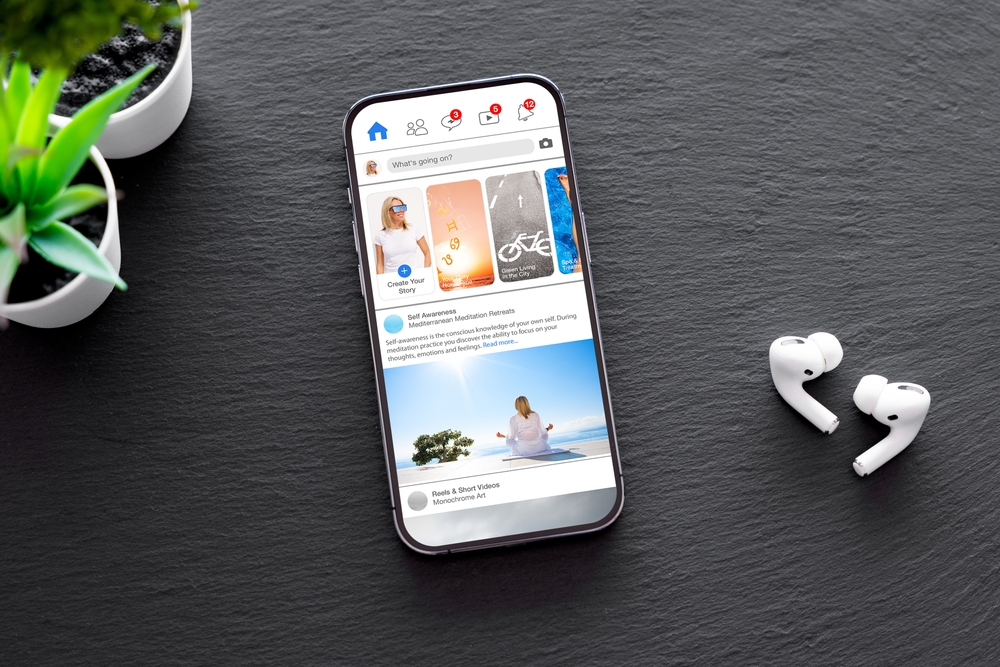
Facebook normally uses an algorithm to decide what appears in your news feed. The system prioritizes posts based on engagement, meaning you might miss updates from friends who post less often. However, one of the most practical Facebook hacks is switching your feed to Most Recent. This option shows posts in chronological order rather than relying on the algorithm. You can access the settings through the feed filter menu in the Facebook app or website. Once activated, the newest posts appear first, making it easier to keep up with what friends and pages are sharing.
Check the Hidden Message Requests Folder
Facebook Messenger includes a Message Requests folder where messages from non-friends are stored. Because these messages do not appear in your main inbox, many users never notice them. To find the folder, open Messenger and look for the “Message Requests” or “Requests” section. There, you can review messages from people who are not on your friends list. If you accept a message, the conversation moves into your regular inbox.
Download Your Facebook Data Archive
One of the most eye-opening Facebook tips is the ability to download a full archive of your account. Facebook stores years of information, including posts, photos, videos, comments, messages, and even login activity. To access it, go to your account settings and select the option to download your information. Facebook will then prepare a file containing your data and notify you when it is ready. Many users are surprised by how large the archive can be because it reflects everything they have shared or interacted with on the platform. This feature can be useful if you want to back up old photos or memories before deleting posts or cleaning up your account.
Review Apps Connected to Your Account
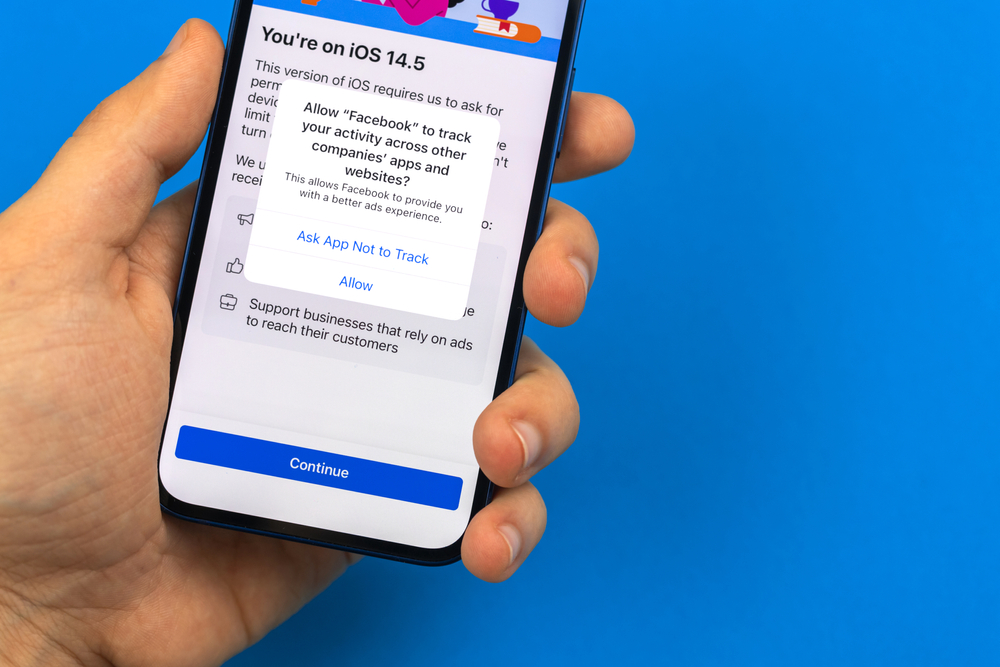
Over time, many people connect Facebook to games, quizzes, and websites without thinking about it again. However, those apps can retain access to certain parts of your account. Try reviewing the apps connected to your profile and removing any you no longer use. You can find this list in the “Apps and Websites” section of your settings. From there, Facebook shows which services still have permission to interact with your account. Removing unused apps improves privacy and reduces the chances of third parties accessing your information unnecessarily. Security experts often recommend this step because old permissions often remain active for years. Cleaning up these connections occasionally is a simple way to keep your account safer and more organized.
Check Where Your Account Is Logged In
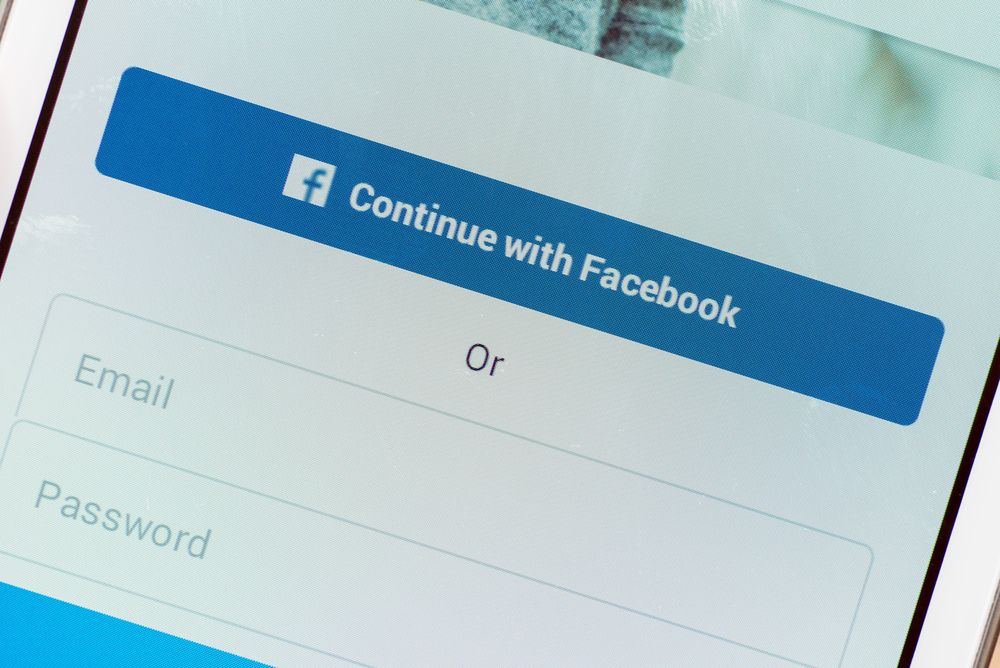
Image credit: Shutterstock.
Facebook keeps a detailed record of every device and location that has recently logged into your account. You can find the feature in the “Security and Login” section of your settings, where Facebook displays active sessions along with device types and approximate locations. If you see a login you do not recognize, you can immediately log out of that session and change your password. This tool helps detect unauthorized access and gives you more control over your account activity.
Adjust Your Ad Preferences
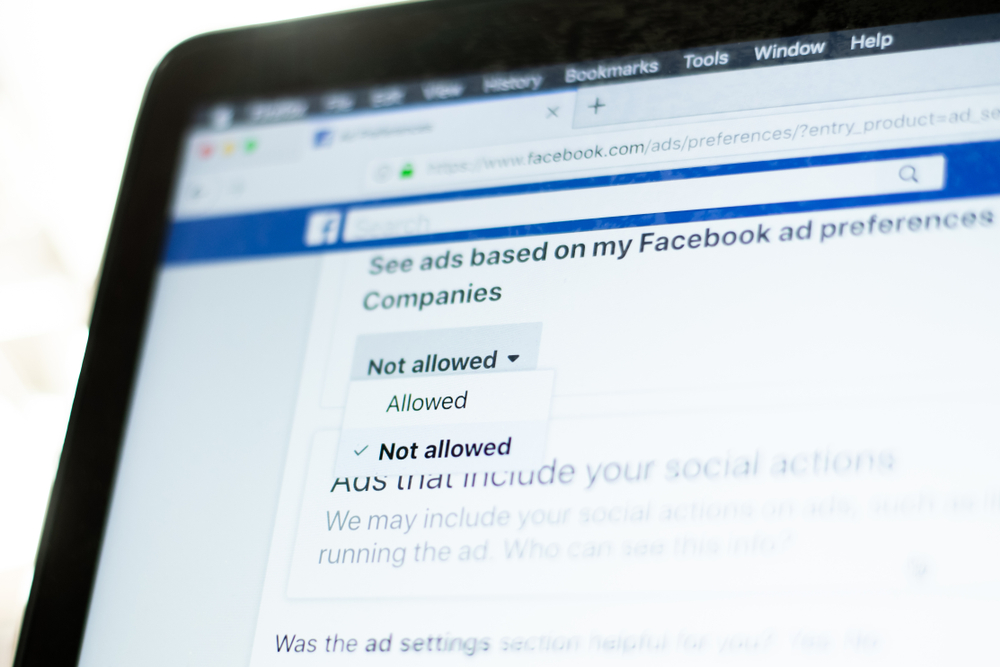
Image credit: Shutterstock.
Facebook’s advertising system uses your activity to determine which ads you see. The platform analyzes pages you follow, posts you interact with, and websites that use Facebook tracking tools. Inside the Ad Preferences section of your settings, you can see categories that advertisers may use to target you. These might include hobbies, travel interests, shopping habits, or entertainment topics. From there, you can remove categories that no longer reflect your interests. While this will not eliminate ads entirely, it can make them more relevant and reduce unwanted targeting.
Use Keyboard Shortcuts to Navigate Faster
Another overlooked Facebook hack involves using keyboard shortcuts to navigate the platform quickly. These shortcuts allow you to perform actions such as liking posts, opening comments, or moving through the news feed without constantly using your mouse. For example, pressing the “J” or “K” keys can move between posts, while other shortcuts allow you to jump directly to search or notifications. Although these commands are simple, they can save time for people who spend long periods managing pages, groups, or conversations. Social media managers and frequent users often rely on these tips to speed up everyday tasks.
Turn On Two-Factor Authentication
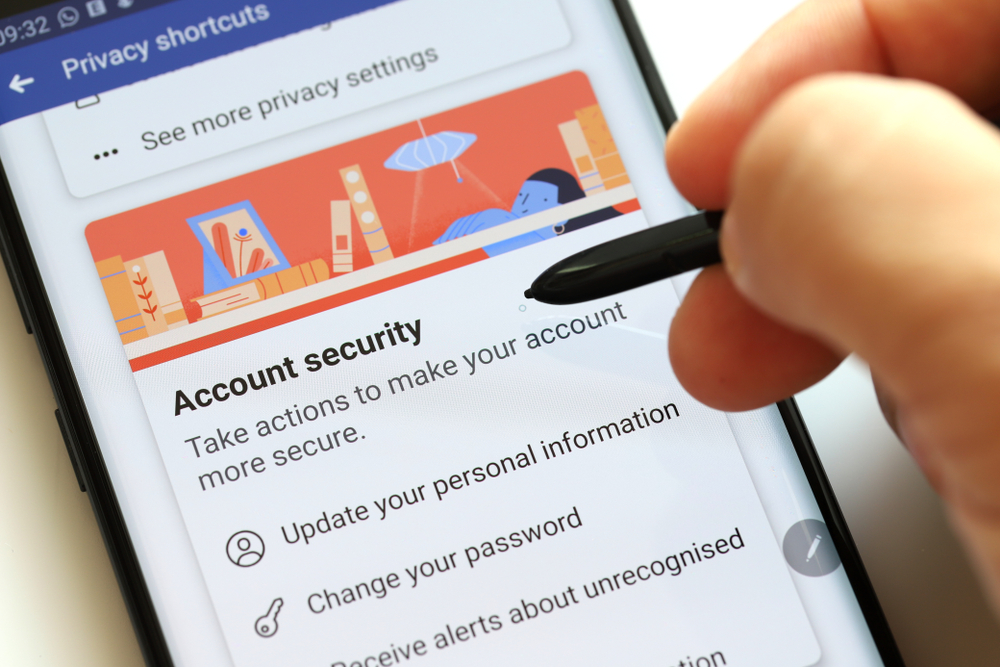
Image credit: Shutterstock.
One of the most important tips for protecting your account is enabling two-factor authentication, often called 2FA. This feature adds an extra security step when you log in. After entering your password, Facebook asks for a second verification code sent to your phone or generated through an authenticator app. Even if someone manages to steal your password, they still cannot access your account without that second code. You can enable this feature in the “Security and Login” section of your settings. Security experts frequently recommend it for preventing account takeovers. Considering how many people store personal photos, conversations, and business pages on Facebook, adding this layer of protection is a smart step.
Save Posts to Read Later
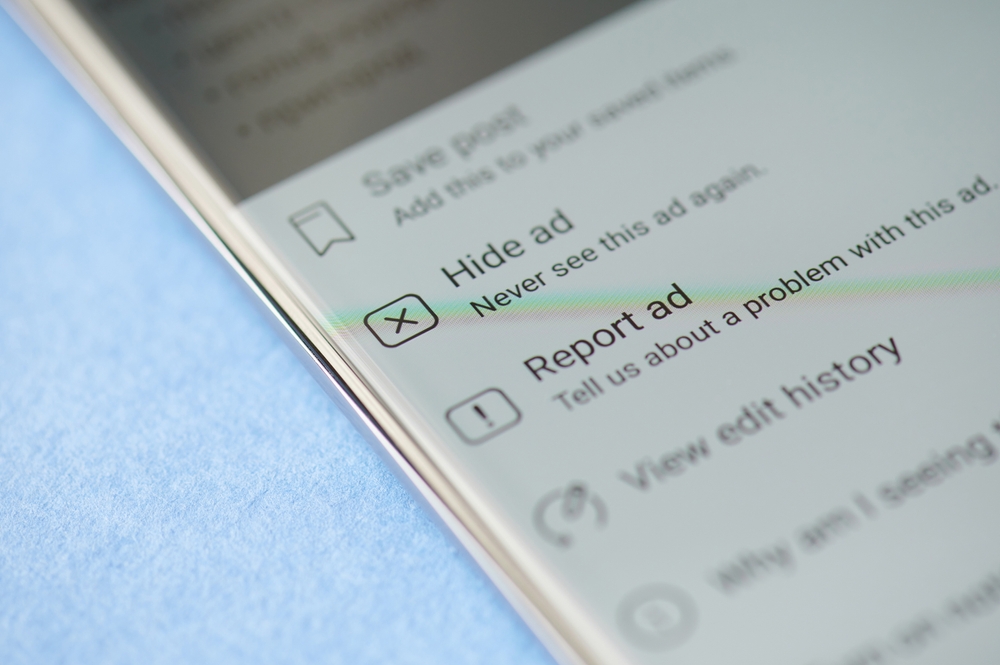
Image credit: Shutterstock.
Facebook moves quickly, and interesting posts often disappear from your feed before you have time to read them. Fortunately, one useful hack allows you to save posts for later. When you see something worth revisiting, click the three dots in the corner of the post and select “Save Post.” Facebook will store it in a private collection that you can access anytime. This feature works with articles, videos, photos, and links shared by friends or pages. Many people treat it like a personal bookmark system inside the platform. Instead of losing useful content in the endless scroll of the feed, you can return to it whenever you have time.
Use the Activity Log to Clean Up Your Profile
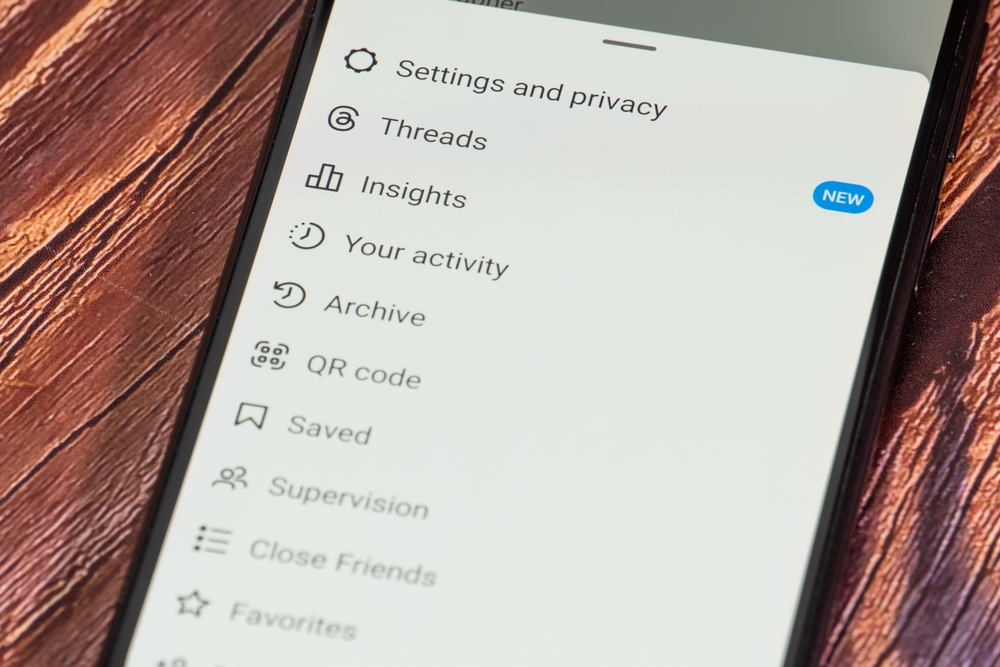
Over the years, most Facebook users accumulate thousands of likes, comments, and posts. Managing that history may seem overwhelming, but the Activity Log makes it much easier. This built-in tool shows nearly everything you have done on the platform, including reactions, comments, tags, and posts. You can use the Activity Log to review and delete old interactions you no longer want associated with your account. You can filter the log by category and remove items individually or in batches. Many people use this feature when cleaning up their digital footprint or updating their online presence.
Create a Favorites List for Important Friends
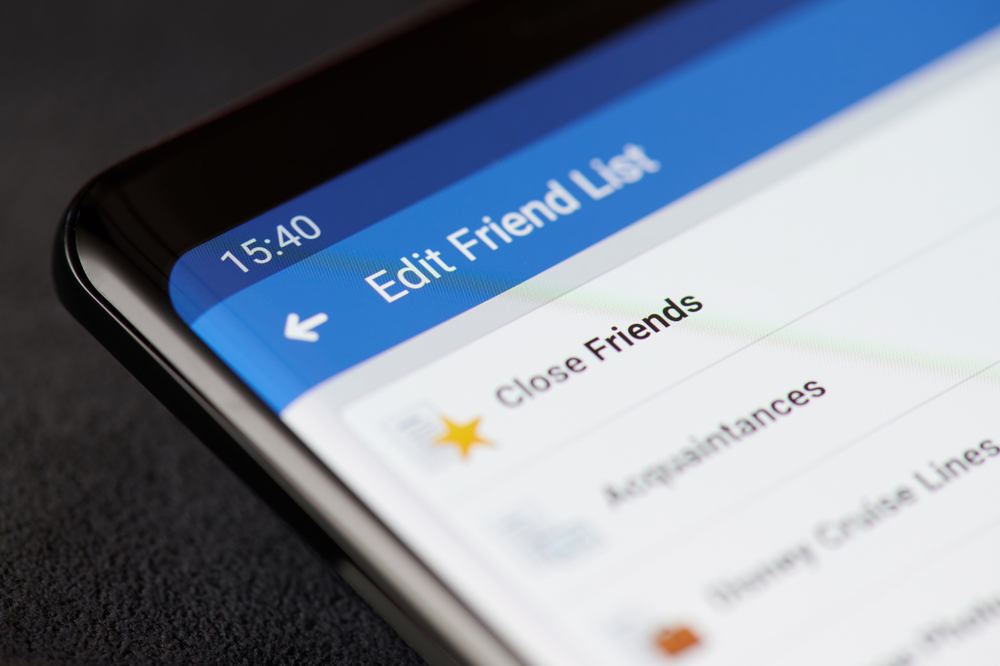
Facebook’s algorithm decides which posts appear in your feed, but you can influence those choices by creating a Favorites list. This feature allows you to prioritize posts from specific people or pages so their updates appear near the top of your timeline. To use it, open the settings related to your feed preferences and add friends or pages to your Favorites list. Once added, Facebook will highlight its content more frequently. Instead of relying entirely on the algorithm, you guide the platform toward the content that matters most to you.
Control Who Can See Your Future Posts
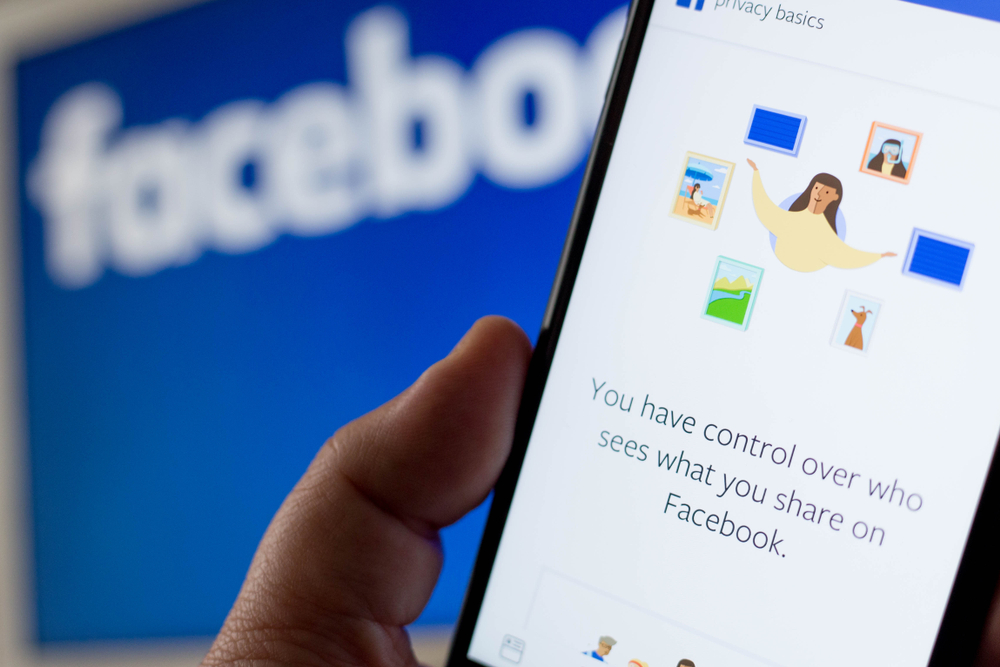
Privacy settings are among the most powerful yet often overlooked aspects of Facebook. Facebook allows you to set your default audience to options such as Friends, Public, Only Me, or custom lists. Once selected, that audience becomes the automatic setting for future posts unless you change it manually. You can adjust this preference inside the Privacy section of your account settings. Taking a few minutes to review these options can significantly improve your control over what others see on your profile. Many people discover that their posts were publicly visible without realizing it.
Turn Off Autoplay Videos
Autoplay videos can make Facebook feel cluttered and distracting, especially when videos begin playing automatically as you scroll. Inside the settings menu, you can find the video settings section and disable autoplay entirely or limit it to Wi-Fi connections only. This change prevents videos from starting automatically while you browse your feed. Many users prefer this option because it reduces data usage and creates a calmer browsing experience. It also prevents unexpected audio from playing when you open the app in public places.
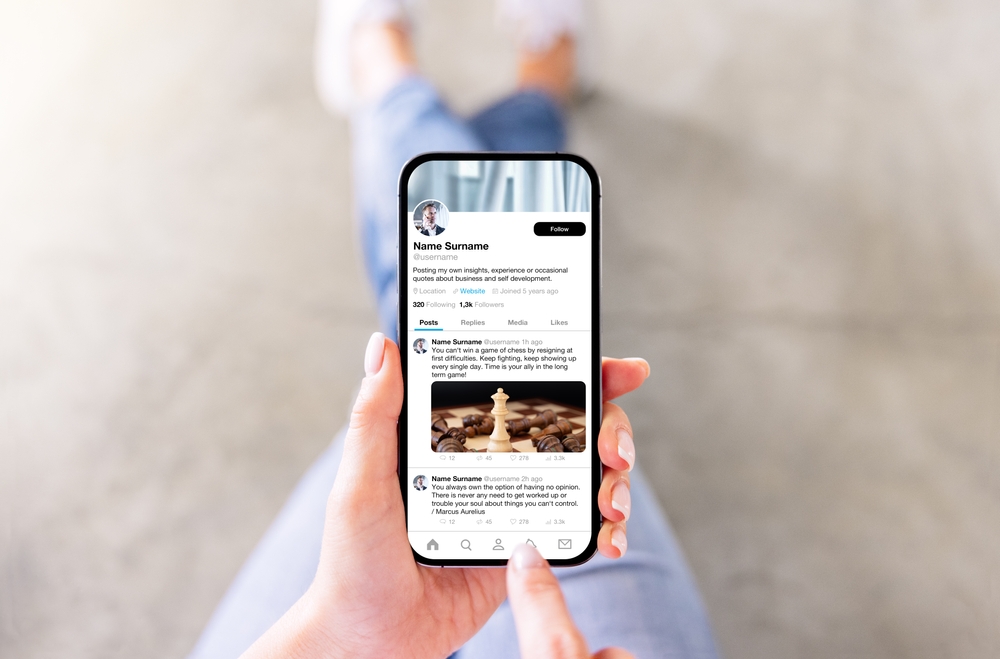
Facebook includes a feature called “View As” that allows you to see your profile the way other people see it. This tool is especially helpful if you want to check what information is visible to the public or to specific friends. To access it, open your profile and select the option that lets you preview your profile as someone else. Once activated, Facebook shows your timeline exactly as another user would see it. Many people assume their posts are private only to discover that some information is still visible to a wider audience.
Manage Notifications to Reduce Distractions
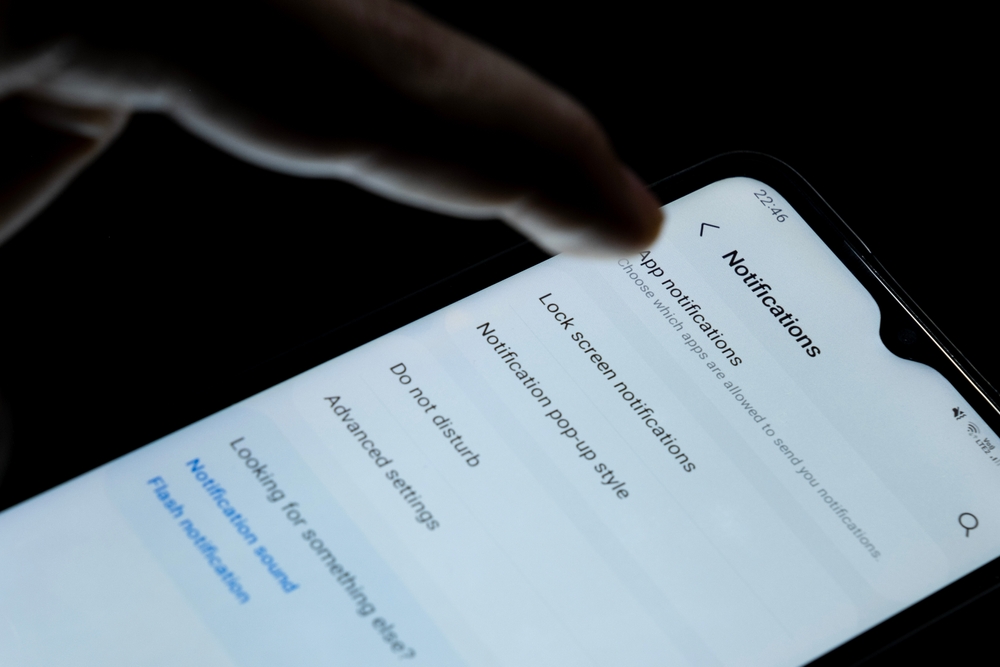
Notifications can quickly become overwhelming if every like, comment, and group update triggers an alert. One of the most practical Facebook tips is adjusting your notification settings so you only receive the alerts that matter. In the notification settings menu, Facebook lets you customize alerts for groups, pages, friend activity, and event reminders. You can choose whether to receive notifications through the app, email, or push alerts on your phone. Turning off unnecessary notifications reduces digital noise and helps you focus on the updates you actually care about.
Organize Friends Using Custom Lists
Facebook allows users to organize friends into custom lists, but many people never realize the feature exists. Creating lists can make sharing content more flexible. For example, you might create separate lists for family members, coworkers, or close friends. When you publish a post, you can choose to share it with a specific list rather than your entire friend network. This option gives you more control over who sees different types of updates. Some people use it to keep professional contacts separate from personal posts, while others use it to share family updates privately.
Explore the “Off-Facebook Activity” Tool
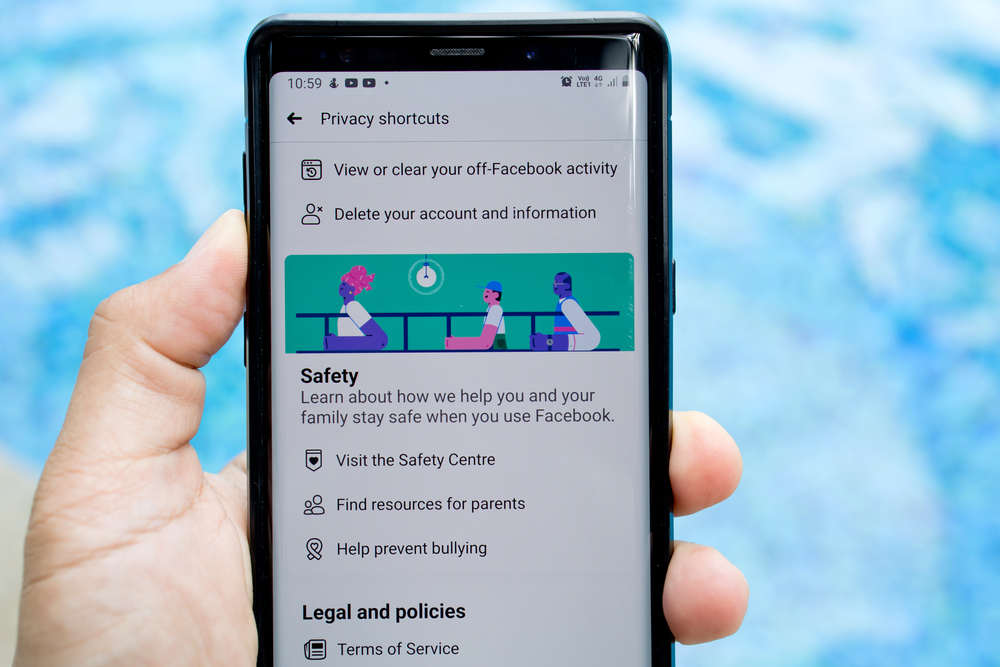
Image credit: Shutterstock.
Certain activity that happens outside Facebook can be tracked through websites and apps that use its technology. However, users can review some of that information using the Off-Facebook Activity tool. This feature shows which external apps and websites have shared activity data with Facebook. Inside the settings menu, you can view a summary of those interactions and clear the history if you choose. While it does not completely stop tracking, it allows you to disconnect past activity from your account profile.
Small Facebook Hacks That Improve Your Experience
Facebook may seem simple, but the platform includes dozens of tools hidden beneath the surface. These tips help demonstrate how small adjustments can improve privacy, security, and everyday browsing. From controlling your news feed to reviewing app permissions, many of these features help you shape the platform around your preferences rather than letting the algorithm decide everything.
Exploring these Facebook hacks can make the platform feel more organized and far less overwhelming. Even small changes, like checking message requests or adjusting notification settings, can noticeably improve how you interact with the app. Ultimately, the best tricks are the ones that give you more control over your experience. Once you start exploring the settings menu and experimenting with these tools, Facebook becomes easier to manage and more useful in your daily life.
A.I. Disclaimer: This article was created with AI assistance and edited by a human for accuracy and clarity.
Read More: Someone May Be Spying on You If These Apps Are Still on Your Phone
Trending Products

Red Light Therapy for Body, 660nm 8...

M PAIN MANAGEMENT TECHNOLOGIES Red ...

Red Light Therapy for Body, Infrare...

Red Light Therapy Infrared Light Th...

Handheld Red Light Therapy with Sta...

Red Light Therapy Lamp 10-in-1 with...

Red Light Therapy for Face and Body...

Red Light Therapy Belt for Body, In...

Red Light Therapy for Shoulder Pain...
